Maintenance
Computer Maintenance Basics: What You Can Actually Do at Home
You don't need to be technical to keep your computer running reasonably well. A few simple habits make a meaningful difference over time.
Repair Function provides straightforward computer repair and IT support for individuals and small businesses. We diagnose before we fix — so you know exactly what's happening and what it will take.
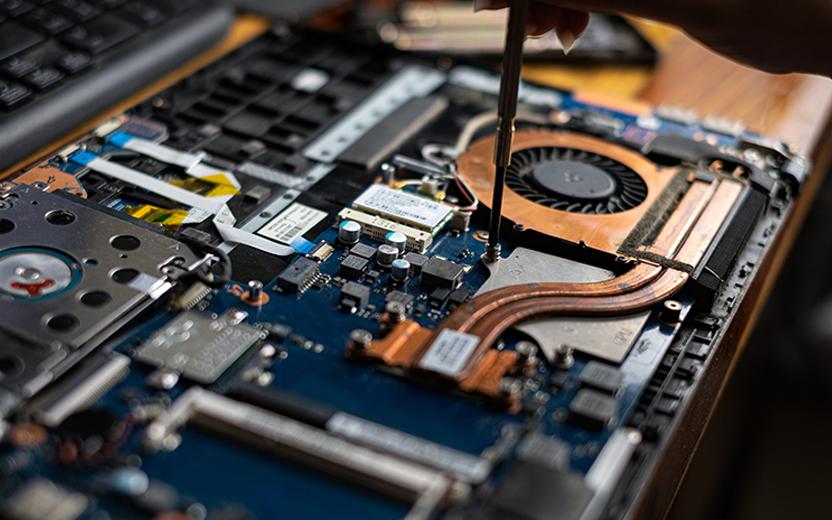
Three core services that cover most of what people run into. If you're not sure which applies, just reach out — a quick conversation usually points us in the right direction.
Whether your desktop is crashing, refusing to boot, or just crawling along, we work through a systematic diagnostic to find the actual cause — not just the most obvious one.
Laptops are more complex to work on than desktops, but many issues — from broken screens to charging problems — have clear solutions when approached carefully.
Malware varies widely — from nuisance adware to more serious threats. We assess what's actually present before taking action, so the response fits the actual problem.
Select the issue that best describes what you're dealing with and we'll point you toward the right service.
Contact us by phone or email. Tell us what's happening — even a rough description helps us prepare.
A diagnostic tells us what's actually causing the problem — not just what's visible on the surface.
You get a clear picture of the issue, what it will take to fix, and whether the repair makes sense economically.
Nothing happens without your sign-off. We keep you informed and contact you if anything unexpected comes up.
This tool gives you a rough sense of how involved a repair might be. Actual timelines depend on what we find — but it's a reasonable starting point.
These are rough estimates only. We don't commit to a timeline or cost until we've actually assessed your machine. Some repairs are faster than expected; others take longer. We'll communicate clearly either way.
"My laptop had been sluggish for months and I'd already tried everything I knew. They found the real issue in under an hour — a failing SSD that I had no idea was going bad. Straightforward and honest throughout."
"I was worried I'd lose years of family photos when my computer stopped turning on. They were upfront about what was realistic and managed to recover everything. I really appreciated them not overpromising."
"Our office computers had some kind of virus spreading between them. They handled the cleanup professionally and set up better protection going forward. The communication was clear, which I appreciated."
Small team, focused work. Everyone here has had a hand in building what Repair Function is.
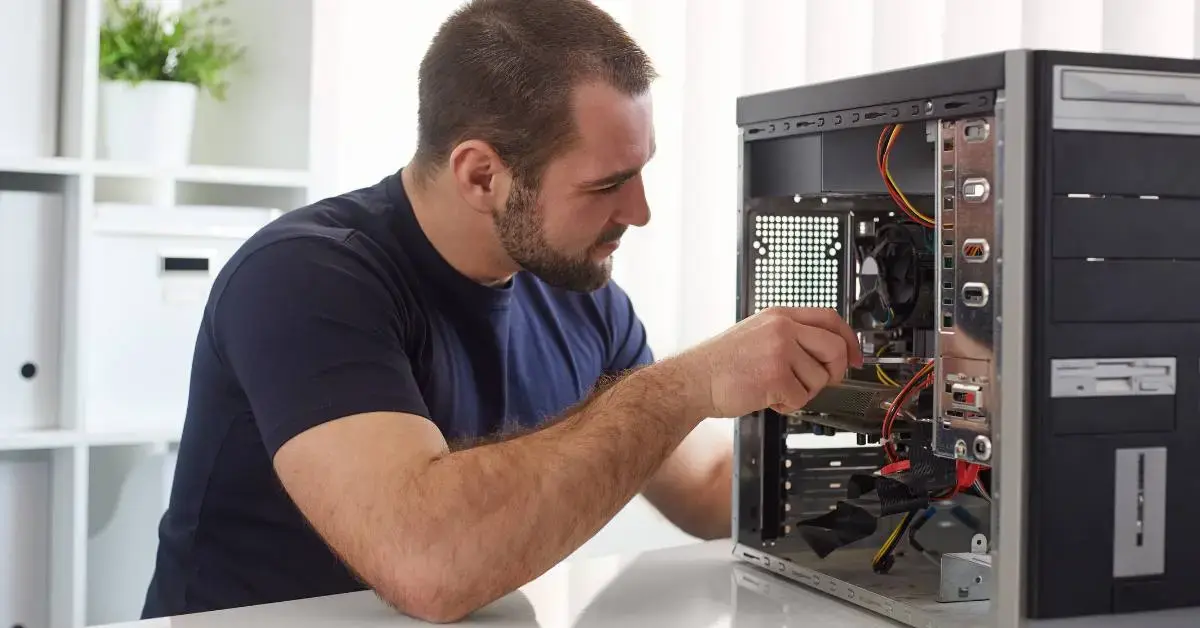
James has been repairing computers since before most people knew what a BIOS was. He started Repair Function with the conviction that repairs should be explained, not just done — and that's still how things run here.

Priya focuses on operating system issues, software diagnostics, and malware analysis. She has a background in information security and brings a methodical approach to every case she works on.
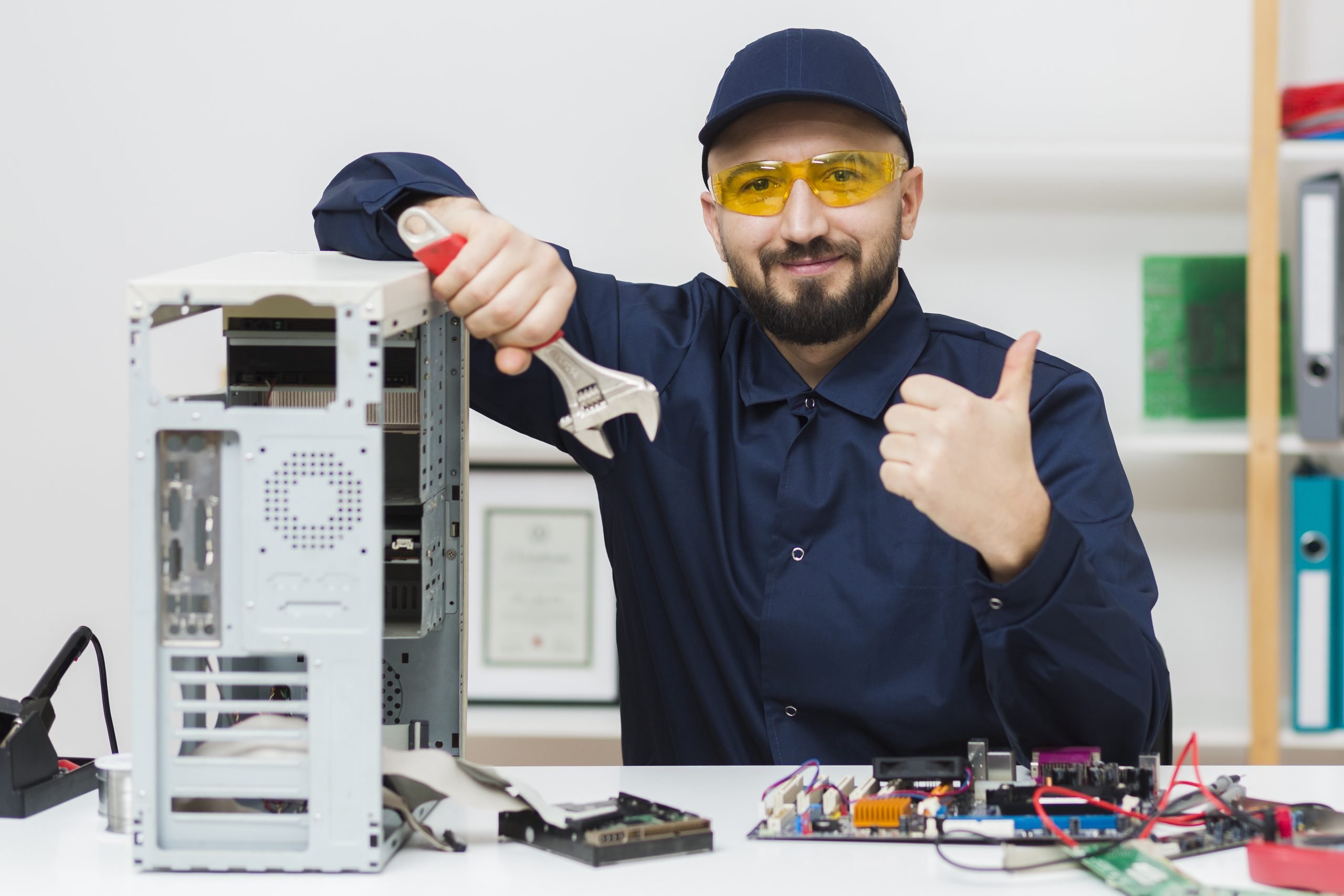
Chris handles the hands-on hardware side — screen replacements, component diagnostics, and anything that requires careful physical work. He's patient, precise, and doesn't take shortcuts.
We write about computer care, common problems, and how to protect your data — without the jargon.
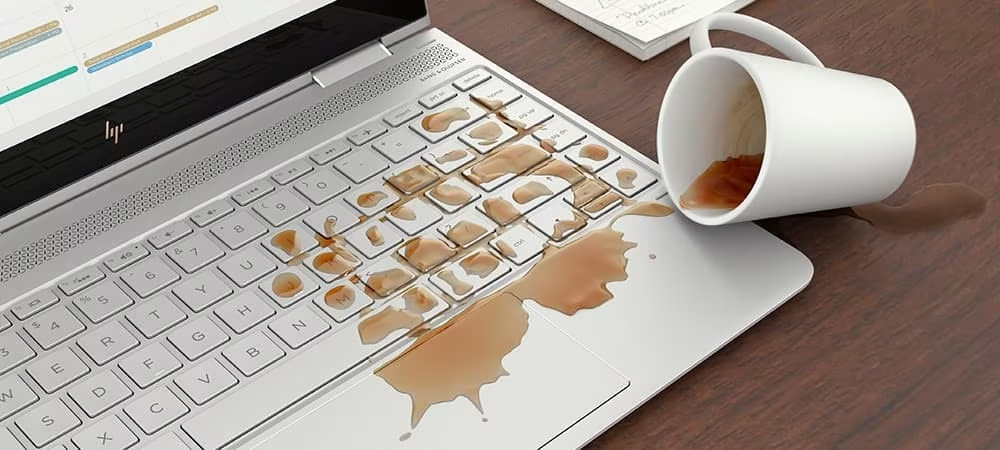
You don't need to be technical to keep your computer running reasonably well. A few simple habits make a meaningful difference over time.

Most computer issues fall into a handful of recognizable patterns. Understanding the basics helps you describe what's happening and know what to expect.

Losing important files is one of the most frustrating things that can happen with a computer. Here's how to make sure it doesn't happen to you.